
The Update Paradox: Security vs. Productivity – The Growing Dilemma
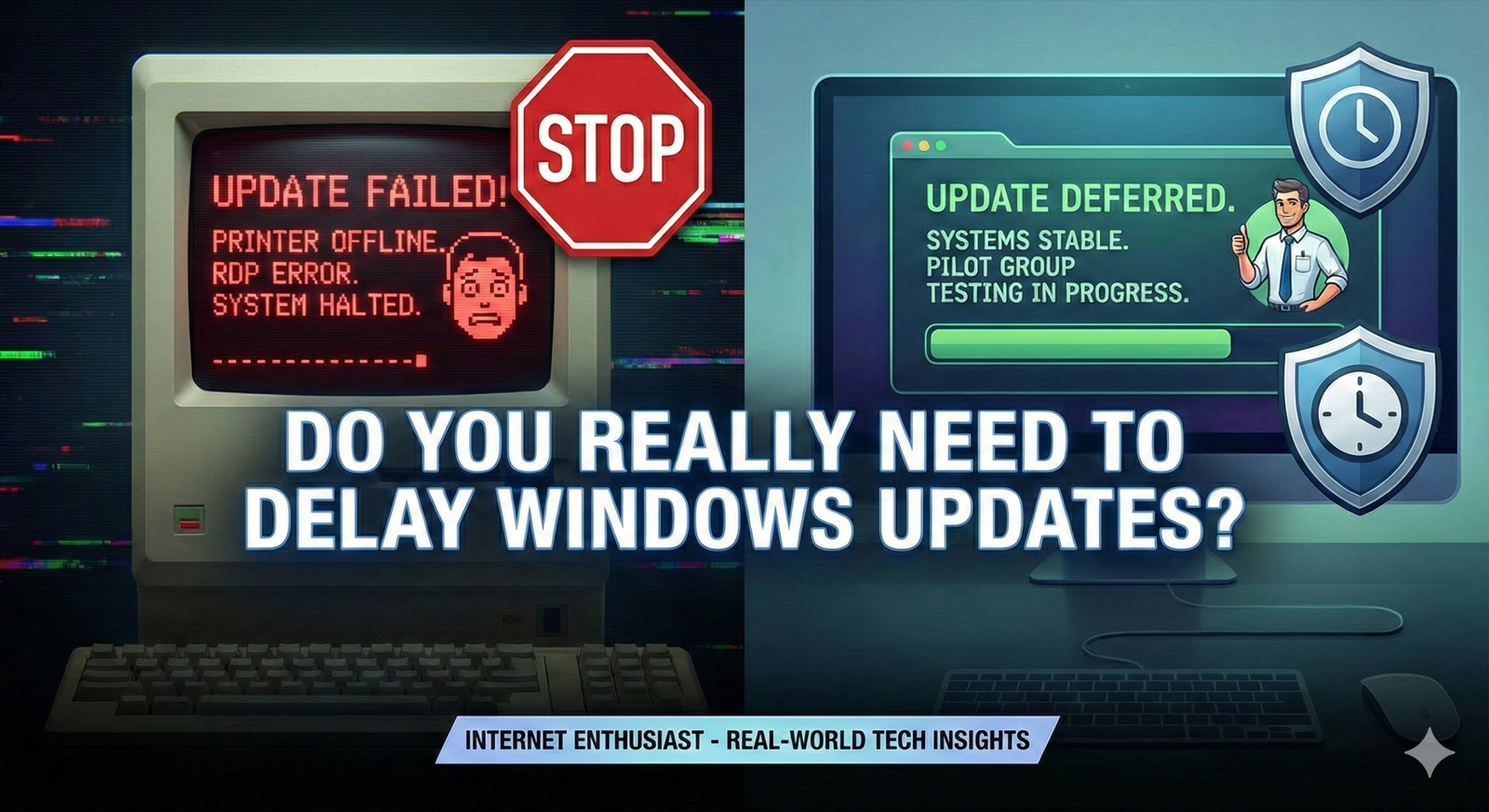
Our Windows updates’ strategy is often very risk-based: if there are critical CVE patches vulnerable to active exploitation, we deploy them immediately, especially on exposed servers. However, for standard updates, we enforce a mandatory one-week deferral to validate them on a pilot group. We have faced too many regressions with immediate adoption such as broken print drivers or RDP connectivity failures, to risk a full rollout without testing.
The seemingly simple act of updating software has become a high-stakes balancing act for businesses of all sizes. On one side, the relentless drumbeat of cyber threats demands immediate patching. On the other, the realities of modern workflows often necessitate delaying updates to maintain productivity and avoid costly disruptions. This tension, the update paradox, is only intensifying.
The Shifting Sands of Cyber Threats
The digital landscape is no longer a battlefield; it’s a minefield. The exponential rise in zero-day exploits and ransomware attacks has transformed software vulnerabilities into ticking time bombs. Consider the 2017 Equifax breach, attributed to a failure to patch a known vulnerability in Apache Struts. This single oversight exposed the personal information of nearly 150 million people and cost the company billions. Such incidents underscore a critical truth: delaying updates is not merely an inconvenience; it’s an invitation to disaster.
Ransomware gangs, in particular, are adept at exploiting known vulnerabilities shortly after they are publicly disclosed. They actively scan networks for unpatched systems, quickly turning security holes into lucrative extortion opportunities. The speed at which these attacks are launched leaves organizations with little margin for error. A recent report by Cybersecurity Ventures estimates that ransomware attacks will cost businesses $265 billion annually by 2031, a figure that highlights the urgent need for proactive security measures, with timely patching at the forefront.
The Productivity Bottleneck
While the security risks of delaying updates are clear, the productivity costs of immediate updates are often underestimated. Forced reboots during crucial deadlines, unexpected software incompatibilities that cripple workflows, and the sheer disruption caused by surprise updates can collectively drain employee productivity and negatively impact the bottom line.
Imagine a team of architects racing to finalize blueprints for a major project. A mandatory Windows update, initiated without warning, forces a system reboot, potentially corrupting unsaved work and derailing progress. The lost time, the frustration, and the potential for errors introduced during the recovery process all contribute to a significant productivity hit.
Furthermore, the increasing complexity of software ecosystems means that updates can often trigger unforeseen compatibility issues. A seemingly innocuous patch to the operating system might render a critical business application unusable, requiring hours of troubleshooting and potentially impacting revenue-generating activities. A study by Ponemon Institute found that unplanned downtime costs businesses an average of $9,000 per minute. While not all downtime is update-related, poorly managed updates are a significant contributing factor.
Why Now?
The update paradox is not new, but its criticality has been amplified by the evolving nature of modern IT environments. The rise of Bring Your Own Device (BYOD) policies, the migration to cloud-based services, and the proliferation of remote work have created a more complex and decentralized IT landscape, making update management a far more challenging undertaking.
In the past, IT departments could exert tight control over software deployments, ensuring that all systems were updated simultaneously. Today, with employees using a diverse range of devices and accessing corporate resources from various locations, maintaining a consistent and secure update posture is significantly more difficult.
Cloud migration adds another layer of complexity. While cloud providers are responsible for updating the underlying infrastructure, organizations are still responsible for patching their virtual machines and applications running in the cloud. Failure to do so can expose sensitive data and create vulnerabilities that can be exploited by attackers. The shared responsibility model of cloud security demands a proactive and well-defined update strategy.
Beyond the Headline
It’s tempting to view Windows updates as a necessary evil, a constant source of frustration and disruption. However, framing the issue as simply “updates are bad” is a dangerous oversimplification. The reality is far more nuanced. Some updates are critical security patches that address immediate threats, while others are feature enhancements or bug fixes that may have minimal impact on security.
The key lies in understanding the risks and benefits of each update and developing a customized update strategy that aligns with the organization’s specific needs and priorities. This requires a risk-based approach, one that considers the potential impact of vulnerabilities, the cost of downtime, and the resources available for testing and deployment. The goal is not to eliminate updates entirely, but to manage them strategically, minimizing disruption while maximizing security. This strategic approach requires a deep dive into the mechanics of Windows Updates and how they can be managed.
Mastering the Art of Controlled Chaos: A Practical Guide to Windows Updates Management
Dissecting Windows Update Channels
Microsoft offers a variety of update channels, each designed for a specific purpose and risk tolerance. Understanding these is crucial for tailoring your update strategy. The most common are:
Insider Preview Channels (Dev, Beta, Release Preview): These are bleeding-edge channels intended for testing upcoming Windows features. They are absolutely unsuitable for production environments due to potential instability and are best reserved for dedicated testing machines or virtual environments. Consider the Dev channel as a glimpse into Microsoft’s future roadmap, while the Beta channel provides more stable previews. Release Preview offers a final look at updates before general release.
Semi-Annual Channel (SAC): This is the default channel for most businesses. Feature updates are released twice a year (spring and fall), with a support lifecycle typically lasting 18 months. The SAC offers a balance between accessing new features and maintaining stability, but requires diligent testing and monitoring to avoid compatibility issues.
Long-Term Servicing Channel (LTSC): Designed for specialized devices like medical equipment, ATMs, or industrial control systems where feature updates are undesirable. LTSC releases occur every few years and receive security updates for ten years. This channel prioritizes stability above all else, foregoing new features to minimize disruption. However, using LTSC for general-purpose desktops is strongly discouraged, as it misses out on crucial feature improvements and modern security enhancements.
Choosing the right channel depends on your organization’s needs. A large enterprise might use SAC for most users while reserving LTSC for critical infrastructure.
Leveraging Group Policy and WSUS
Windows Server Update Services (WSUS) and Group Policy offer powerful, native tools for managing updates within a Windows domain environment. WSUS acts as a central repository for updates, allowing administrators to approve, schedule, and monitor deployments. Group Policy defines how client computers interact with WSUS and dictates update installation behavior.
Here’s a simplified example of how to configure these tools:
Install and Configure WSUS: Install the WSUS role on a Windows Server. Configure it to synchronize with Microsoft Update and download updates for your desired products and classifications (e.g., Windows 10, security updates, critical updates).
Create Group Policy Object (GPO): In Group Policy Management, create a new GPO and link it to the organizational unit (OU) containing the computers you want to manage.
Configure Update Settings: Within the GPO, navigate to Computer Configuration > Policies > Administrative Templates > Windows Components > Windows Update. Configure settings such as:
- Specify intranet Microsoft update service location: Point clients to your WSUS server.
- Configure Automatic Updates: Choose how updates are downloaded and installed (e.g., “Auto download and notify for install”).
- Enable client-side targeting: Assign computers to specific WSUS groups for targeted update deployments.
- Delay Feature Updates: Defer feature updates for a specified number of days (up to 365 days).
- Delay Quality Updates: Defer quality updates for a specified number of days (up to 30 days).
Approve Updates in WSUS: Use the WSUS console to approve updates for specific computer groups. You can approve updates for testing groups first, and then gradually roll them out to the wider organization.
It’s crucial to test GPO settings thoroughly in a test environment before deploying them to production. Incorrect configurations can lead to update failures or unexpected reboots.
Harnessing the Power of Third-Party Tools
While WSUS and Group Policy provide a solid foundation, third-party patch management solutions offer advanced features and greater automation. These tools often excel in environments with mixed operating systems (Windows, macOS, Linux) or where more granular control is required.
Consider these examples:
Automox: A cloud-native platform that automates patch management across Windows, macOS, and Linux. It offers vulnerability scanning, automated patching, and compliance reporting. Automox is particularly well-suited for organizations with distributed workforces as it doesn’t rely on a traditional on-premises infrastructure.
Patch My PC: Integrates directly with Microsoft Endpoint Manager (formerly SCCM) to simplify third-party application patching. It catalogs thousands of popular applications and automates the process of downloading, testing, and deploying updates. Patch My PC is an excellent choice for organizations heavily invested in the Microsoft ecosystem seeking to extend their patch management capabilities.
ManageEngine Patch Manager Plus: A comprehensive solution offering patch management, vulnerability assessment, and compliance reporting. It supports Windows, macOS, and Linux and provides granular control over update deployment. ManageEngine is a strong contender for organizations needing a feature-rich, on-premises solution with extensive reporting capabilities.
The best tool depends on your organization’s size, IT infrastructure, and budget. A free trial or proof-of-concept is highly recommended to evaluate different solutions before making a commitment.
The Golden Rule: Testing, Testing, Testing

No matter which update management tools you choose, establishing a robust testing environment is paramount. Updates can sometimes introduce compatibility issues with existing applications or hardware drivers, leading to system instability or data loss.
A well-designed testing process should include:
Representative Test Group: Select a group of users that mirrors the diversity of your organization in terms of hardware, software, and usage patterns.
Staged Rollout: Deploy updates to the test group first and monitor for any issues. If problems arise, investigate and resolve them before rolling out the update to the rest of the organization.
Application Compatibility Testing: Focus on testing business-critical applications to ensure they function correctly after the update. Use automated testing tools where possible to streamline the process.
Driver Compatibility Testing: Verify that hardware drivers are compatible with the updated operating system. Check for updated drivers from the hardware vendor if necessary.
Rollback Plan: Have a clear rollback plan in place in case an update causes widespread issues. This should include a process for quickly uninstalling the update and restoring systems to a previous state.
Failing to adequately test updates is like playing Russian roulette with your IT infrastructure. The short-term convenience of skipping testing is never worth the long-term risk of a major outage.
Update management is not a set-it-and-forget-it task. It requires continuous monitoring, adaptation, and a proactive approach to identifying and mitigating potential risks.
The Expertise Edge: Strategic Considerations and Hidden Pitfalls
The Cost of Complacency: Case Studies in Neglect
Organizations often underestimate the potential fallout from neglecting timely Windows updates. Consider the hypothetical, yet plausible, scenario of “MediCorp,” a regional healthcare provider. MediCorp delayed a critical security patch addressing a known vulnerability in their Windows-based electronic health record (EHR) system, citing concerns about potential downtime during a busy period.
Within weeks, a ransomware attack, exploiting the unpatched vulnerability, crippled MediCorp’s EHR system. Patient records were encrypted, appointments were canceled, and critical medical information became inaccessible. The financial impact was staggering: ransom demands (which they refused to pay), costs associated with incident response and data recovery, regulatory fines for HIPAA violations, and significant reputational damage leading to a loss of patients. The estimated total cost exceeded $5 million, a direct consequence of prioritizing short-term convenience over long-term security.
Another example, this time from the manufacturing sector, involves “AutoGear,” a supplier of automotive components. AutoGear delayed updates on its Windows-based industrial control systems (ICS) to avoid disrupting production lines. This decision left them vulnerable to a targeted malware attack specifically designed to disrupt ICS environments. The attack caused a temporary shutdown of AutoGear’s production facilities, resulting in missed deadlines, contractual penalties, and a loss of market share. The incident highlighted the critical need to protect operational technology (OT) environments with rigorous patch management practices, even if it requires temporary disruptions. These examples underscore that the cost of a successful exploit far outweighs the perceived inconvenience of applying updates. Ignoring updates is not a cost-saving measure; it’s a gamble with potentially catastrophic consequences.
Compliance and Regulatory Hurdles: A Tightrope Walk
Delaying Windows updates can create significant compliance challenges, particularly for organizations operating in regulated industries. For example, the Health Insurance Portability and Accountability Act (HIPAA) mandates that healthcare providers implement security measures to protect patient data. Failure to apply security patches that address known vulnerabilities can be interpreted as a violation of HIPAA’s security rule, leading to substantial fines and reputational damage.
Similarly, the General Data Protection Regulation (GDPR) requires organizations that process the personal data of EU citizens to implement appropriate technical and organizational measures to ensure data security. Failing to keep Windows systems up-to-date with security patches can be seen as a failure to comply with GDPR’s security requirements, resulting in significant penalties. The Payment Card Industry Data Security Standard (PCI DSS) also requires organizations that handle credit card information to maintain secure systems and applications. Regularly applying security patches is a fundamental requirement for PCI DSS compliance.
To navigate these regulatory hurdles, organizations need to establish a clear update policy that aligns with their compliance obligations. This policy should outline the process for identifying, testing, and deploying security patches in a timely manner. It should also include procedures for documenting update activities and maintaining an audit trail to demonstrate compliance. Compliance is not a one-time event; it’s an ongoing process that requires continuous monitoring and adaptation.
Striking the Balance: A Risk-Based Approach to Patching
A one-size-fits-all approach to Windows updates is rarely effective. Organizations need to develop a customized update strategy based on a thorough risk assessment that considers their specific threat landscape, business requirements, and IT infrastructure. This assessment should identify critical systems and applications, assess the potential impact of vulnerabilities, and prioritize patching efforts accordingly.
For example, a financial institution might prioritize patching its core banking systems and trading platforms, while a manufacturing company might focus on protecting its industrial control systems. The risk assessment should also consider the potential impact of updates on business operations. Some updates might require downtime or cause compatibility issues with critical applications. In these cases, organizations need to carefully weigh the risks and benefits of delaying updates versus applying them immediately.
A risk-based approach also involves categorizing systems based on their criticality and exposure to threats. Systems that are directly exposed to the internet or that handle sensitive data should be patched more frequently than systems that are isolated or used for less critical tasks. The goal is not to eliminate all risks, but to manage them effectively by prioritizing patching efforts based on the potential impact of vulnerabilities.
The Human Element: Training and Communication
Even the most sophisticated update management tools and processes are ineffective if employees are not aware of the importance of security and are not trained to recognize and avoid potential threats. Organizations need to invest in employee training programs that educate users about the risks of malware, phishing attacks, and other security threats. These programs should also teach employees how to identify and report suspicious activity.
Effective communication is also essential. Employees need to be informed about upcoming updates and the potential impact on their work. They should also be provided with clear instructions on how to report any issues they encounter after an update is applied. A well-informed and security-conscious workforce is a crucial line of defense against cyberattacks.
Navigating the Future: Trends, Tactics, and the Path Forward
The Rise of Automated Patch Management
The future of Windows update management is inextricably linked to automation. AI-powered patch management solutions are emerging as critical tools for organizations struggling to keep pace with the relentless stream of vulnerabilities. These systems move beyond simple scheduling and deployment, offering intelligent capabilities like automatic vulnerability scanning, risk-based prioritization, and even self-healing remediation.
Imagine a scenario where a zero-day exploit targeting a specific version of .NET Framework is released. Traditional patch management relies on IT staff to identify affected systems, test the patch, and manually deploy it. An AI-driven system, however, could automatically detect the vulnerability, identify affected machines based on software inventory and configuration data, and deploy the patch – all within hours, significantly reducing the window of opportunity for attackers.
Solutions like Automox and others are evolving to offer this level of automation, using machine learning algorithms to analyze vulnerability data, predict potential conflicts, and optimize patch deployment schedules. This not only saves time and resources but also reduces the risk of human error, a common cause of update failures.
The Impact of Zero Trust Architectures
Zero Trust is not just a buzzword; it’s a fundamental shift in security thinking that has profound implications for Windows update management. In a traditional network, once a user or device gains access, they are implicitly trusted. Zero Trust, however, assumes that every user, device, and application is potentially compromised and requires continuous verification before granting access to any resource.
How does this relate to delaying updates? In a Zero Trust environment, even if a system is running an outdated version of Windows with known vulnerabilities, the potential impact of a successful exploit is significantly limited. This is because access to sensitive data and critical systems is tightly controlled and requires ongoing authentication and authorization.
For example, consider a scenario where an employee’s laptop is infected with malware due to a delayed Windows update. In a traditional network, the malware could potentially spread laterally to other systems on the same network segment. In a Zero Trust environment, however, the malware’s access would be limited to the resources that the employee is specifically authorized to access, preventing it from reaching critical servers or sensitive databases.
Implementing Zero Trust principles – such as microsegmentation, multi-factor authentication, and least privilege access – can provide a crucial layer of defense that mitigates the risks associated with delayed updates, buying organizations valuable time to test and deploy patches without exposing themselves to unacceptable levels of risk.
Refining Your Update Strategy: A Practical Approach
No update strategy is perfect from the outset. Continuous refinement is crucial. Start with establishing clear feedback loops. Create a formal channel for IT staff, end-users, and even security vendors to report issues, suggest improvements, and share insights. This could be a dedicated email address, a ticketing system, or even regular meetings.
Next, document everything. A well-defined and documented update policy is essential for ensuring consistency and accountability. This policy should outline:
- Roles and Responsibilities: Clearly define who is responsible for each aspect of the update process, from vulnerability scanning to patch deployment.
- Update Channels and Deployment Rings: Specify which update channels are used for different types of systems and users (e.g., Insider Preview for testing, Semi-Annual Channel for general users).
- Testing Procedures: Detail the steps involved in testing updates before they are deployed to production systems.
- Rollback Procedures: Outline the steps to be taken if an update causes problems.
- Communication Plan: Describe how users will be informed about upcoming updates and any potential disruptions.
Finally, regularly review your risk assessments. The threat landscape is constantly evolving, so it’s important to reassess your risks on a regular basis and adjust your update strategy accordingly. This should include evaluating new vulnerabilities, assessing the impact of potential exploits, and considering the latest security best practices.
The Long Game: Embrace Continuous Improvement
Effective Windows update management is not a one-time project; it’s an ongoing process that requires constant vigilance, adaptation, and a commitment to continuous improvement. The organizations that succeed in this area are those that treat updates as a strategic imperative, not just a necessary evil. They invest in the right tools, processes, and people, and they foster a culture of security awareness that permeates the entire organization. The key is to avoid complacency, stay informed about the latest threats and vulnerabilities, and be prepared to adapt your strategy as the landscape evolves.